New Activity
Follow the steps: Admin > Tours & Excursion > Activities
On the right-hand side of the page, you will find a summary of the existing contracts, and it will be possible to create new Activities:
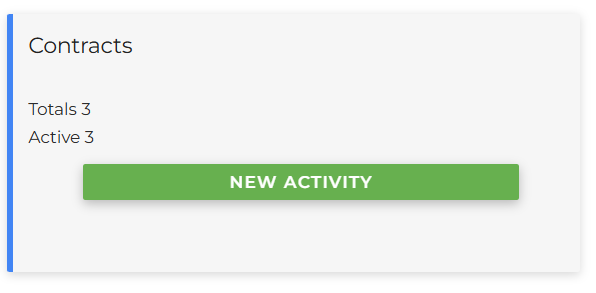
By clicking on New Activity, the screen to enter the information will open:
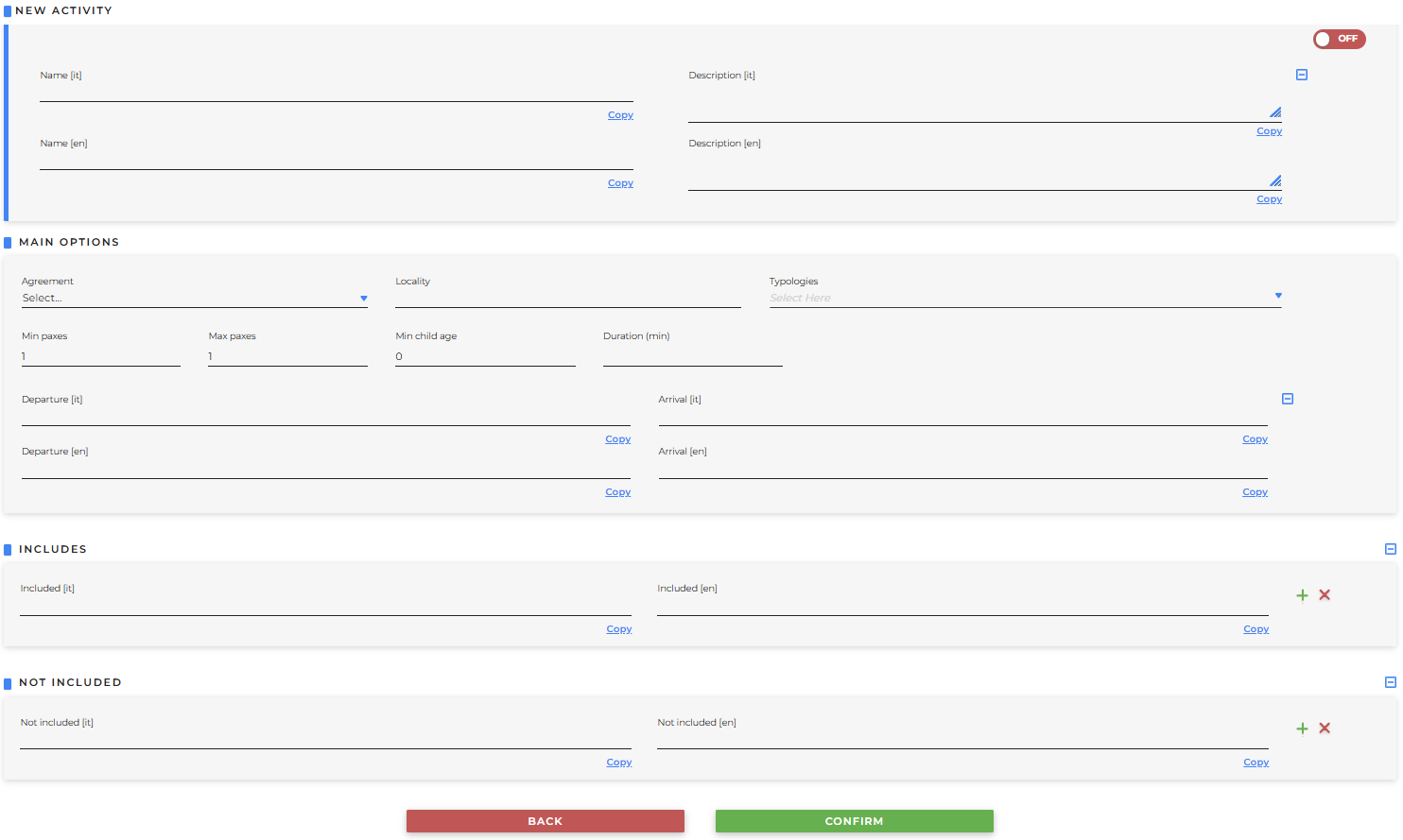
- New Activity
- Name: mandatory field, define the name you wish to assign to the activity in all the languages available in the system. After entering the name in one language, you can populate all the other fields with the same name by clicking Copy
- Description: optional field, you may enter a description of the requested activity
- OFF/ON: defines whether the contract will be created as Blocked (OFF) or Active (ON)
-
Main Options
- Agreement: mandatory field, the contract to which the activity is linked must be selected
- Locality: mandatory field, the location where the activity will take place (previously created from Admin > Areas and Localities > Localities) must be selected
- Typologies: it is possible to select the type of activity (previously created from Admin > Tours & Excursions > Typologies)
- Min paxes: it is necessary to specify the minimum number of participants
- Max paxes: it is necessary to specify the maximum number of participants
- Min child age: it is possible to set a minimum age for children
- Duration (min): it is possible to indicate the duration of the activity in minutes
- Departure: it is possible to indicate the starting point of the activity
- Arrival: it is possible to indicate the ending point of the activity
-
Includes
- Included: it is possible to add an item included (for example "audio guide", "welcome gift", etc) in the activity clicking the + button on the side allows you to create a list
- Not included
- Not included: it is possible to add an item not included in the activity (for example, "beverages") clicking the + button on the side allows you to create a list
Once the fields are filled, click Confirm to create the new activity
Click the Search button to view all entered activities
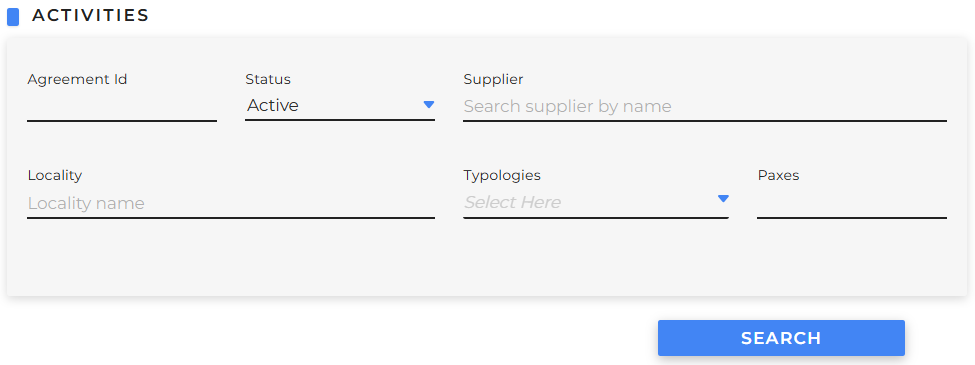
which will then be displayed:
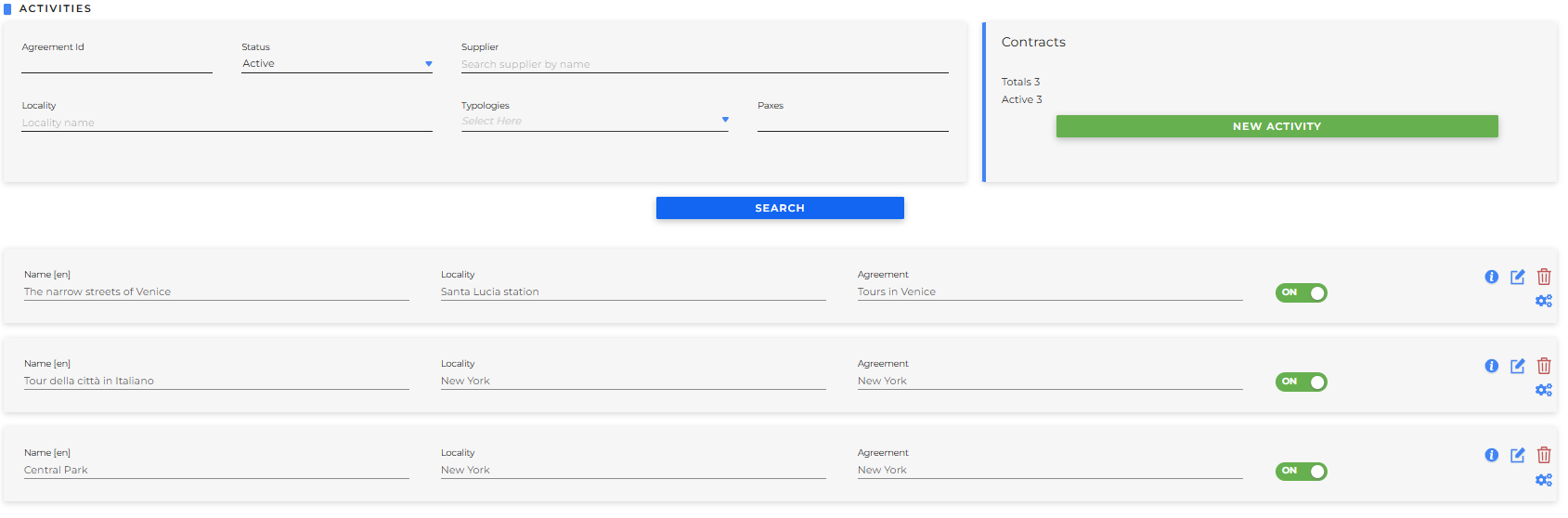
with the possibility to block or activate the activity using the OFF/ON switch.
Additionally, the following buttons will be available:
-
Info hovering the mouse over it, all the general information of the activity will be summarized
- the type of guide
- the minimum number of passengers
- the maximum number of passengers
- the minimum age of children
-
Edit mode: allows you to edit the information
-
Trash bin: to delete the activity
- Commands: allows access to modify all the configurations, which will be explained in the following sections of the guide