Plugin configuration monitor
From Configurations > Plugin Configuration Monitor, you can quickly check which suppliers are active for each client.
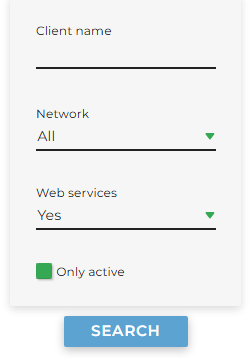
It is possible to optionally apply the following filters:
-
Client Name: optional field
-
Network: default is All
-
Web services: default is Yes (i.e., clients with level 2 web services)
-
Only active: selected by default
Clicking Search will display both Clients and Suppliers, and you can optionally select only those of interest.
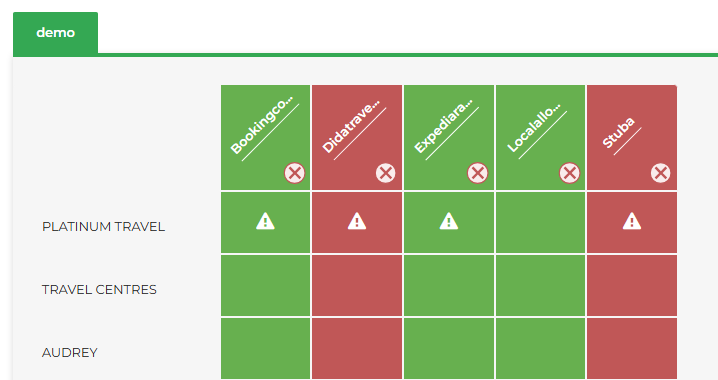
Clicking the second Search button will generate the monitor table:
-
Red: the plugin is inactive
-
Green: the plugin is active
-
Warning icon: indicates the presence of a specific configuration or a plugin block, summarized when hovering the mouse
It is also possible, for each listed supplier, to massively apply a plugin block to all Clients by clicking the x icon.