OTP (one time password)
Once you have logged into the system using your credentials:
- Company
- Login (User ID)
- Password
you will be prompted to complete two-factor authentication:
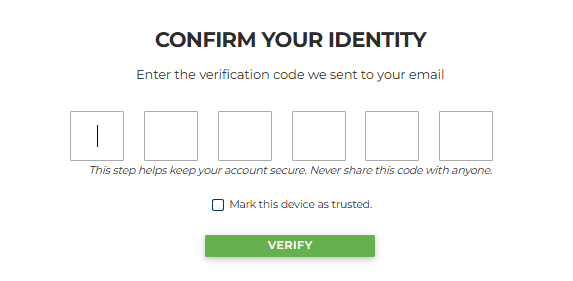
An email will then be sent to the authenticated user, redirecting them to a page containing a temporary code that must be entered in the appropriate fields.
Alternatively, the Tour Operator can choose OTP authentication via QR code; they will be able to freely link up to 5 QR code authentication apps (Google Authenticator, Microsoft Authenticator, Authy, etc.) directly in the Web Users section under User Management > Users, by clicking the first icon Authentication App (2FA):
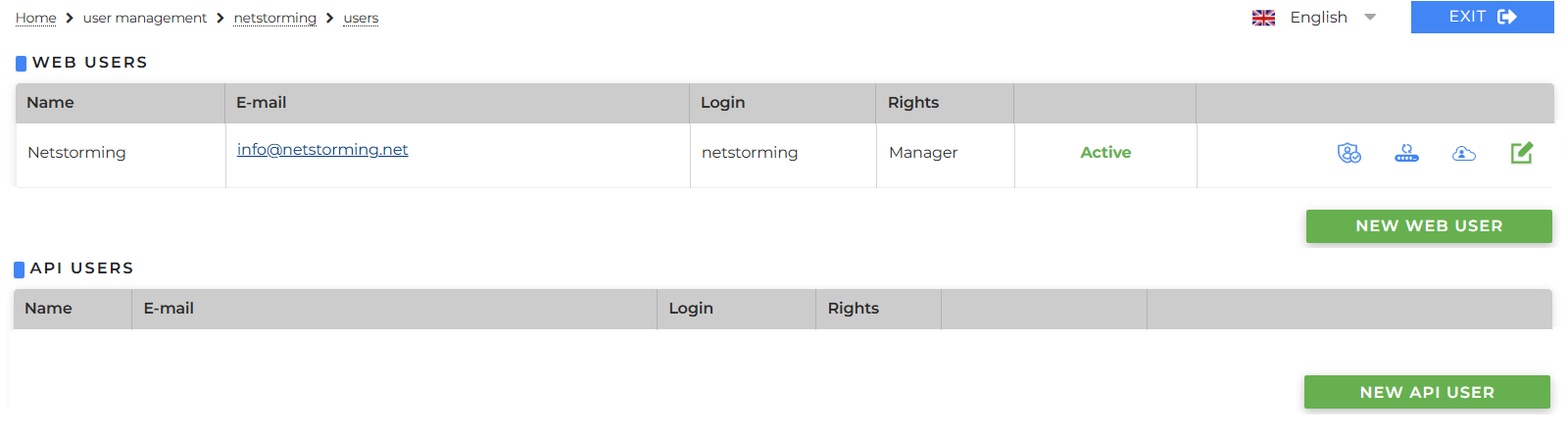
Inside this section

trusted devices (those marked via the checkbox during the verification process) will also be listed, and it will be possible to manually remove them using the X button. Please note that, for security reasons, a trusted device is retained in memory for two months; after this period, the process will need to be repeated.