Tariffs
This section allows you to enter the agreed tariff conditions. Tariffs are chargeable on a net, daily basis with VAT and taxes included.
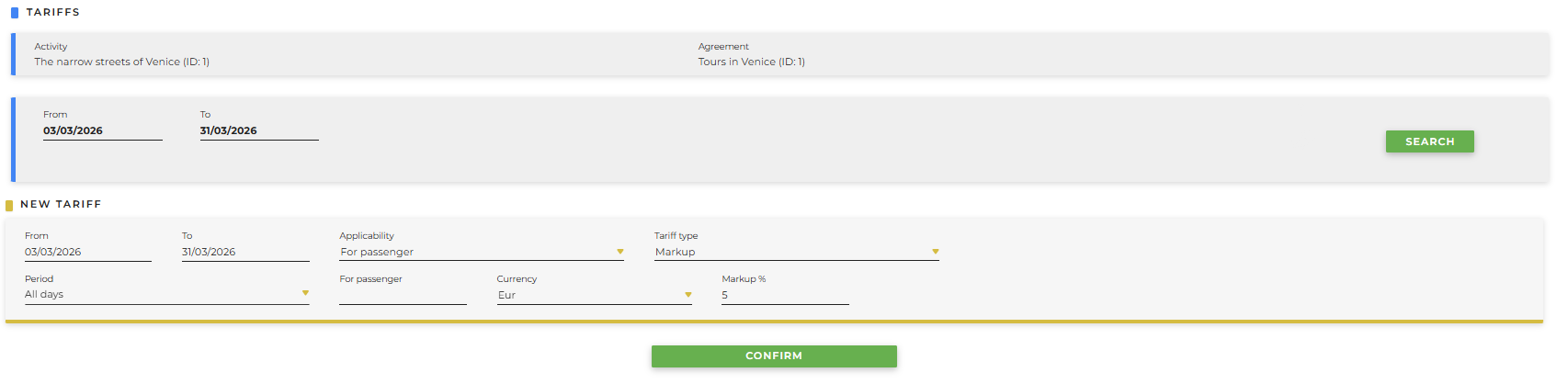
- From / To : start and end date during which the tariffs are valid
- Applicability
- For passenger: the tariff is applied per passenger
- A service: the tariff is applied based on the type of service
- Per grille: the tariff is applied in blocks
-
Tariff type:
- Markup: a markup tax will be applied to the tariff, therefore as a percentage
- Profit: a profit tax will be applied to the tariff, therefore as a fixed amount
- Period: it is possible to select the days on which the tariff must be applied
- Currency: enter the currency
- If applicability per passenger has been selected:
- For passenger: indicate the single price per person to be applied
- If applicability per service has been selected:
- Per service: indicate the price to be applied based on the service
-
If applicability per grille has been selected:
- From / to: from how many people to how many people a certain price must be applied (example from 2 to 5 people the price is 50€, from 6 to 10 people the price is 60€)
- Price: selling price to be applied to the grille in which you fall
-
If markup is selected as the tariff type
- Price: enter the price on which the percentage tax will be applied
- Markup: enter a percentage value; by default, the system markup is entered if not modified
- If profit is selected as the tariff type
- Price: it will be necessary to enter the base price of the offer
- Selling price: it will be necessary to enter the price at which you want to sell the offer
- Currency to sell: enter the currency in which you want to sell
By clicking Confirm you will be able to see the result of the entry, for example:

-
Once the tariffs have been entered, it will be possible to understand whether they are valid or not:
- no line: a valid calendar exists, therefore the tariff is valid and correctly configured
-
red line on the left side of the calendar: no valid calendar exists
NOTE: an activity cannot be displayed if a calendar and a price associated with the calendar are missing.
The following buttons will also be available:
-
Edit mode allows you to modify the calendar; once clicked you will be able to:
-
Trash bin: delete the tariff
-
Customize: personalize the tariff for a group
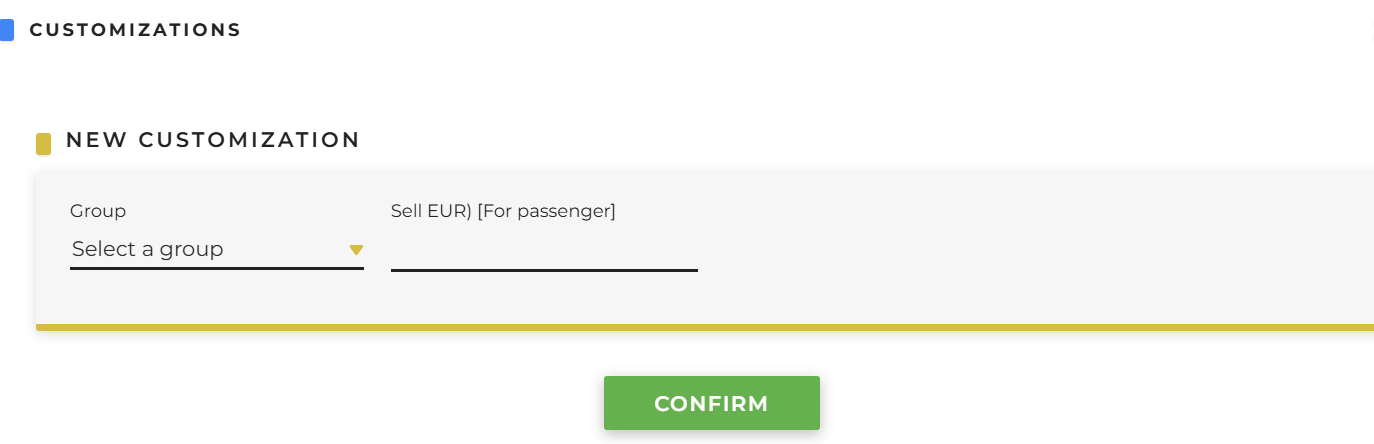
- Group: it is possible to select a previously created group (from Clients > Groups > New Group)
- Markup: it is possible to set a specific markup