Contract Search and Edit
From Admin > Hotels > Contracts page, enter the country, city, or hotel name to search for a previously created contract.
Please note that when a new contract is created, it is initially marked as "Expired" because it does not yet contain any allotments or tariffs. Therefore, you must enable View also expired switch.
The following actions are available for each contract:

The available icons are:
-
i: hovering over the information icon, you can see the summary of the contract options
-
edit: allows you to change the options of the contract
-
delete: allows you to cancel the contract (it will not be possible to delete a contract on which a reservation has already been made)
-
create flex: function to be used the first time you connect a channel manager
-
clone: allows you to clone the contract by creating a new one or clone all/some features on an existing contract
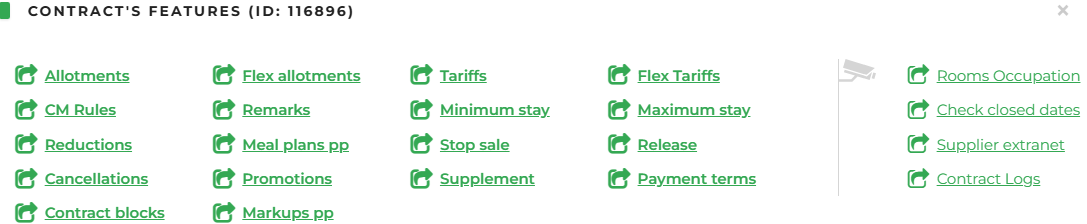
- commands: allows you to access and modify all the features of the contract