Check Closed Dates
Clicking the “commands” (gear) icon in a hotel contract, select Check closed dates
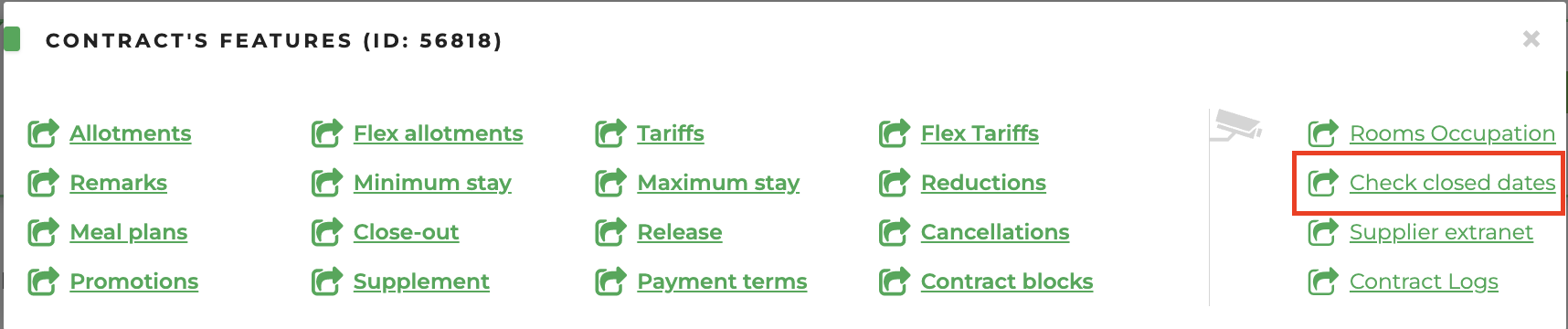
This section allows to view a calendar of the dates when the hotel is completely or partly closed:
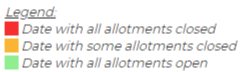
- red: completely closed dates, all the allotments are closed (even if only the extra bed is selected)
- orange: partially closed dates, stop sales apply only to certain allotment types
- green: completely open dates
By clicking on an individual day, you can view the details of the stop sales. Please note that the “n° + n°” counter represents the non-generic + generic allotment capacity.
ATTENTION: In case of changes in the available occupancies (visible by hovering the mouse over the "i" icon in the general options of a contract), the update will be visible starting from the day after the modification.