Typologies
The definition of a Typology and its association with an Activity is optional and is intended to filter Activities, both in the activity search screen and after an availability search.
Follow the steps: Administration > Activities > Typologies and click the New Typology button to create one.
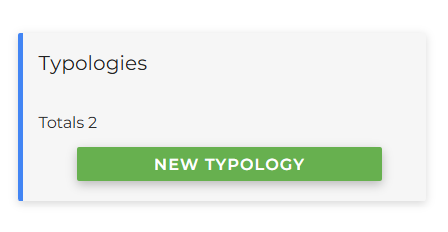
The entry screen will then open:
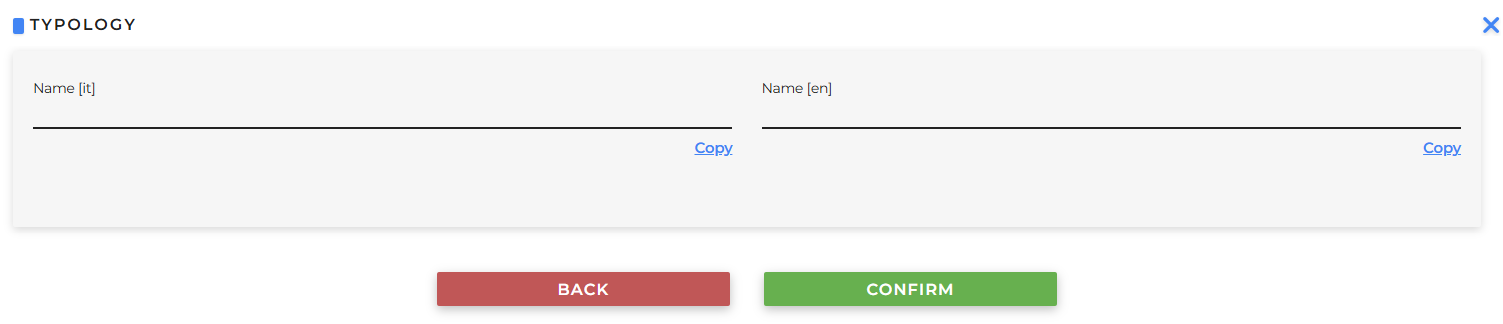
- Name: enter the name of a Typology (for example, “City Tour”), translate it or copy it, and click Confirm.
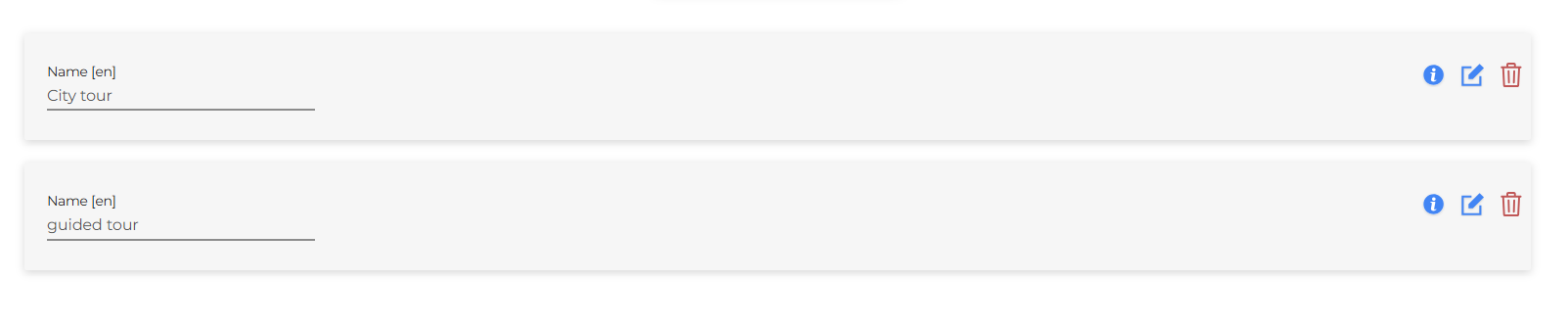
Once saved, it will be listed below, where it can also be edited or deleted: