Areas and localities
Follow the steps: Admin > Areas and Locaties > Locality typologies.
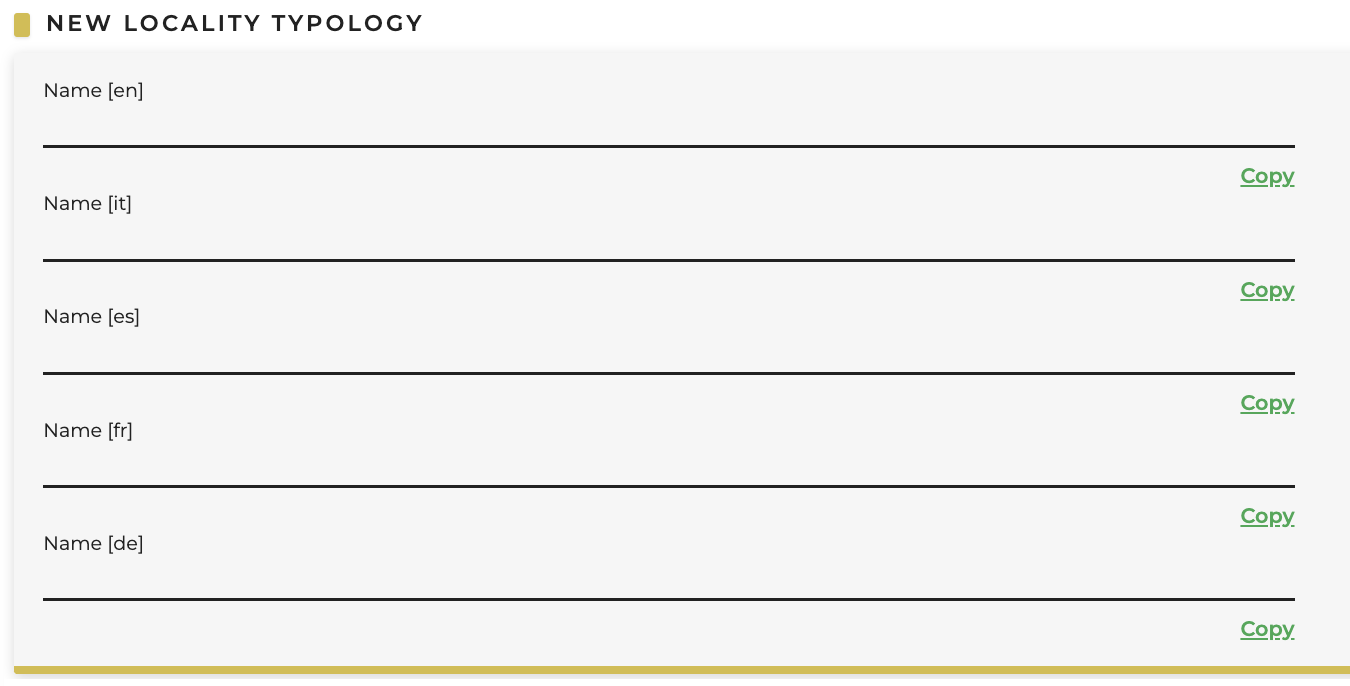
Create "New locality typology" e.g. city, airport, train station, etc.
After that, select: Localities > New Locality.
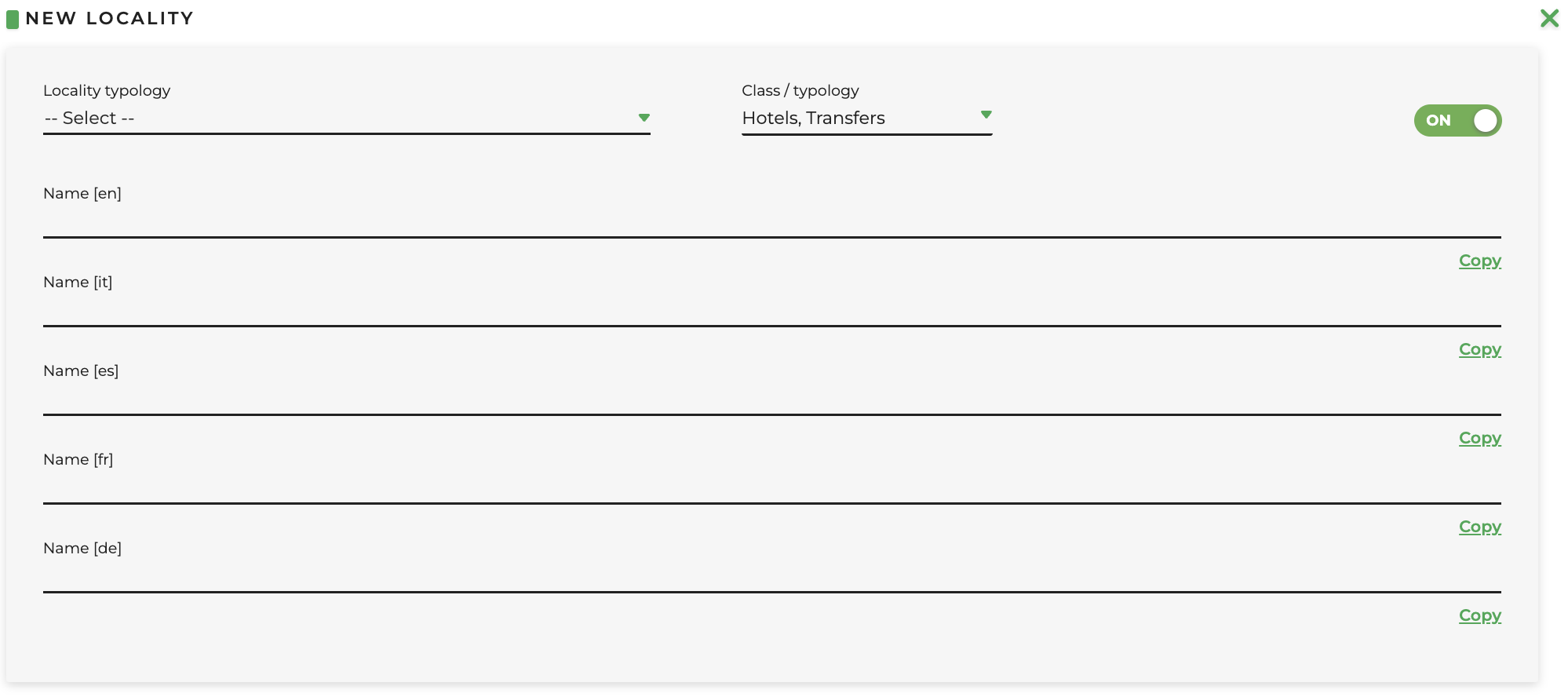 Fill in the following fields:
-
Locality typology: concerning the locality typology created previously
-
Class/Typology: select the service of refernce
- Name: write the name of the locality
Once the new location has been created, you need to search for it and click on the “Manage areas” icon (gear), where you can define its area.
 Fill in the following fields:
-
Code: alphanumeric code that identifies the place (e.g. "Ama" for Amalfi)
-
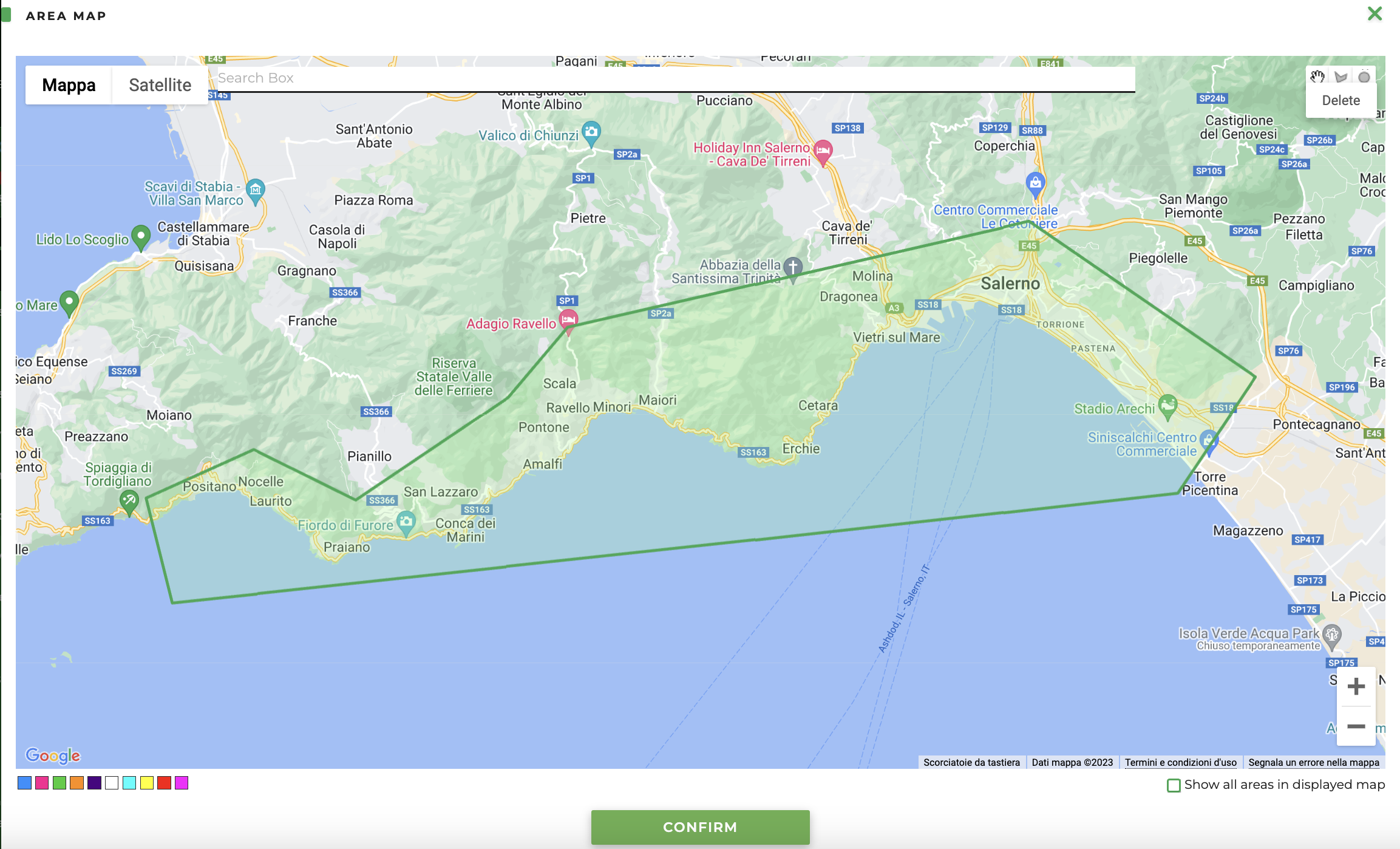
Coordinates: by clicking on the coordinates icon you can define the exact area where the service will take place. The search bar allows you to move around the map by entering the name of a city / street, and then by selecting the circle / polygon icon you can define the area concerned. You can define multiple areas within the same locality.
- OFF/ON: switch that deactivates or activates the locality